

Create a split screen effect on your webcam. Select the desired grid configuration and manage the feedback from multiple sources. Stream online conferences with multiple users and upload images to view them simultaneously. Integrate a visual chat optionally.
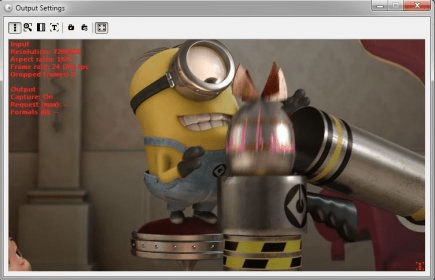
VerySoft WebCamSplitter allows you to use your webcam with multiple apps. Usually, you can only use your webcam feed with only one application at a time. WebCamSplitter allows you to bypass this restriction and use your web camera feed with multiple applications at once. It also allows you to use other video sources as input. You can use web cameras, TV capture cards and tuners, DV cameras, and IP-cameras. There is an option that allows you to use any video file as an input. If you use this as input with your IM client, the other person will be seeing a video clip instead of your video camera feed. The application also allows you to show your desktop to anyone by using it as a video input. For all inputs, you can set a few settings, like resolution and quality, and you can also zoom and pan and preview your feeds.
The application stays in the system tray area, and you can add different sources and modify the settings from there. I found it was very easy to use, and it worked out-of-the-box for me. It is also very easy to set up.






Comments